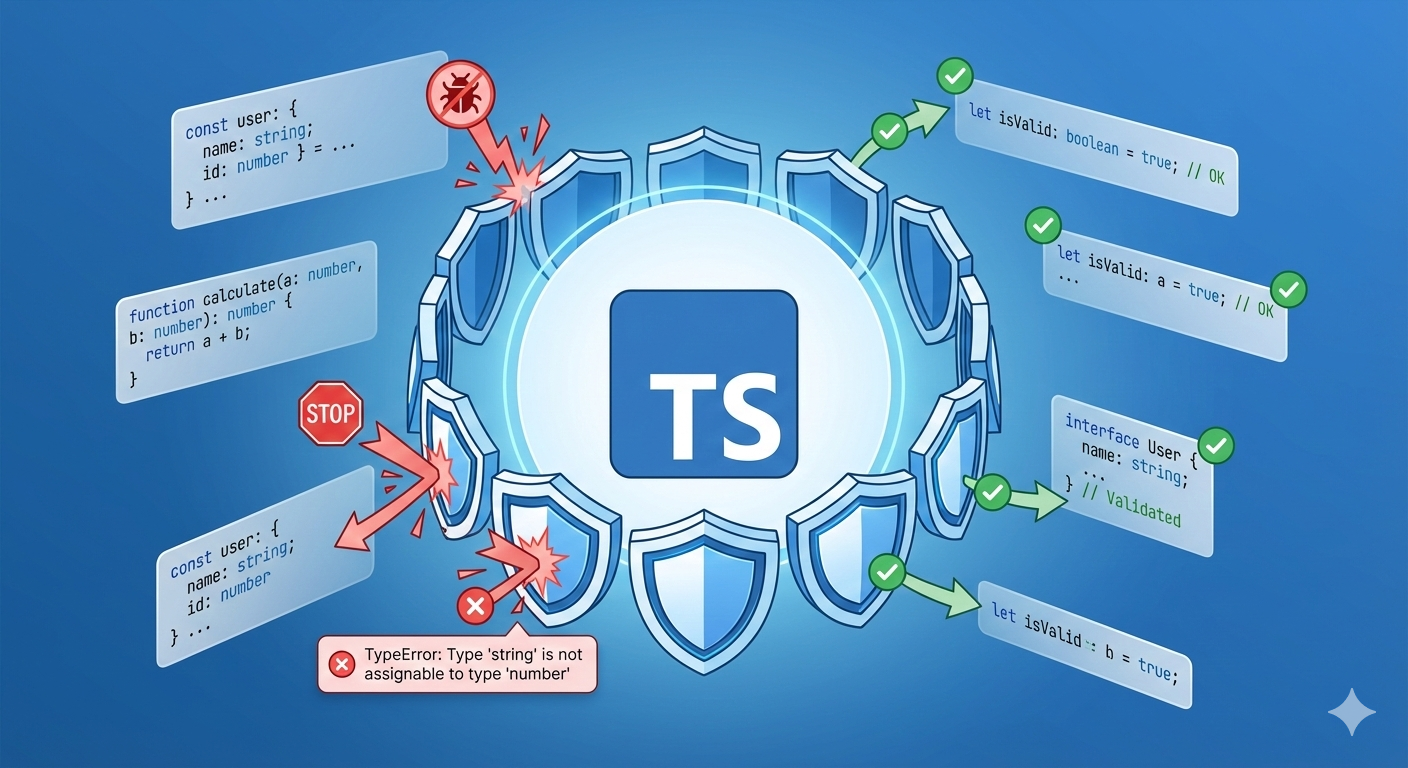
Astro Debugging: Fixed "Missing Schema Fields" in 5 Min
Astro schema fields missing at runtime? You're probably editing src/content/config.ts instead of src/content.config.ts. Symptoms, cause, 4-step fix. →

Óscar Gallego
Web Developer

On this page
Why aren’t my Astro schema fields updating?
If you’ve added fields to your Astro Content Collections schema and they aren’t appearing, the most common cause is the configuration file’s location or name. As of Astro 6, the legacy src/content/config.ts path is gone; Astro reads only src/content.config.ts. (In Astro 5 the old path still worked, which is why this trap bites people mid-migration.)
Before you burn an afternoon on it (I did), run this checklist:
- Location. The config file lives at the root of
src/, not insidesrc/content/. Correct:src/content.config.ts. Wrong:src/content/config.ts. - Name. It must be called
content.config.ts, exactly. Any other variation gets ignored. - No duplicates. Search your project for a second configuration file Astro might be reading instead.
- Cache. Delete the
.astrodirectory and restart the dev server to force Astro to regenerate types from the correct file.
Have you ever defined a field in your content collection schema, only for it to vanish at runtime? You’re not alone. I recently spent hours debugging schema fields that were inexplicably missing, despite being correctly defined.
TL;DR. My new schema fields were missing because I was editing
src/content/config.ts. Astro only recognizessrc/content.config.ts. I moved my changes to the correctly named and located file and deleted the duplicate.
What follows is the full debugging trail: the symptoms, the dead ends, and the fix.
The mystery of the disappearing schema fields
While adding a relatedSlug field to my blog’s schema for multilingual support, I hit a wall. The field was defined in the schema and present in the Markdown frontmatter, but completely absent from the post.data object.
The symptoms
My setup looked correct. The relatedSlug field was nowhere: not in the TypeScript types, not at runtime.
// src/content/config.ts
import { z, defineCollection } from "astro:content";

const blogCollection = defineCollection({
  schema: z.object({
    title: z.string(),
    // ... other fields
    relatedSlug: z.string().optional(), // WRONG: this field was missing!
  }),
});

export const collections = { blog: blogCollection };- Defined in the schema:
relatedSlugwas clearly part of the Zod object. - Present in the frontmatter: my
.mdfiles includedrelatedSlug: "some-slug". - Missing at runtime:
'relatedSlug' in post.datareturnedfalse.
Two out of three. The wrong two.
What didn’t work (everything I tried first)
I suspected a bug in Astro or Zod, so I threw workarounds at it. None of them moved the needle:
- Swapping
.optional()for.default(""), hoping to force the field into existence. Still missing. - Making it required. Astro should have thrown an error for the missing field. It didn’t. The field stayed absent.
- Renaming it.
relatedSlugbecametranslationto rule out a naming conflict. The new field vanished too.
That third result was the real clue. When even required fields are silently ignored, Astro isn’t reading your config at all.
The root cause: I was editing the wrong file
After hours of debugging, the answer was embarrassingly simple.
The Astro documentation gives the content collections config strict naming and location requirements.
- Correct file:
src/content.config.ts - My file:
src/content/config.ts
I had accidentally created a configuration file inside the content directory. As of Astro 6, that legacy src/content/config.ts path is gone, so Astro ignored it completely and kept reading an older version of content.config.ts sitting at the src root.
One slash. Hours of my life.
The fix, in four steps
Once the root cause was identified, the fix was mechanical.
Step 1: confirm which file Astro is actually using
The generated types in .astro/ give you the answer.
// .astro/content.d.ts
// This line reveals the source of truth:
export type ContentConfig = typeof import("../src/content.config.js");
Step 2: consolidate and delete
I copied my latest schema definitions from the incorrect file (src/content/config.ts) into the correct one (src/content.config.ts), then deleted the duplicate.
# Delete the incorrect configuration file
rm src/content/config.ts
Step 3: make the correct file the only truth
With the duplicate gone, I made sure src/content.config.ts had the final schema.
// src/content.config.ts  CORRECT
import { z, defineCollection } from "astro:content";

const blogCollection = defineCollection({
  schema: z.object({
    // ... all my fields
    relatedSlug: z.string(), // CORRECT: now it works!
  }),
});

export const collections = { blog: blogCollection };
Step 4: clear the cache
To make sure Astro picked up the changes, clear the cache and restart the dev server.
# Clear the .astro cache directory
rm -rf .astro
# Restart the development server
npm run dev
After these steps, relatedSlug appeared in my types and at runtime. Like it had been there all along. Because it had.
The checklist to run before you blame the framework
Next time fields go missing, check these before anything clever:
- Is your config file at
src/content.config.ts? - Is it named
content.config.tsexactly? - Is there only one
content.config.tsin the whole project? - Have you tried deleting the
.astrodirectory? - Does the file actually
export const collections?
Master the conventions before you suspect the tool
Here’s the uncomfortable part. I spent those hours assuming the bug was in Astro or Zod, because blaming the tool feels better than checking a file path. The tool was fine. My directory tree wasn’t.
What felt like a deep framework bug was a misconfiguration with a five-minute fix. When a framework silently ignores you, the silence usually means it never heard you in the first place. Check its conventions before you open an issue.
Related reading: this exact rename, src/content/config.ts to src/content.config.ts, is one of the breaking changes covered in my Astro 5 to 6 migration guide, along with the rest of the traps that shipped with it.
P.S. What’s the dumbest file-location bug that ever ate your afternoon? Misery loves company. Tell me on Twitter/X.
Related Posts
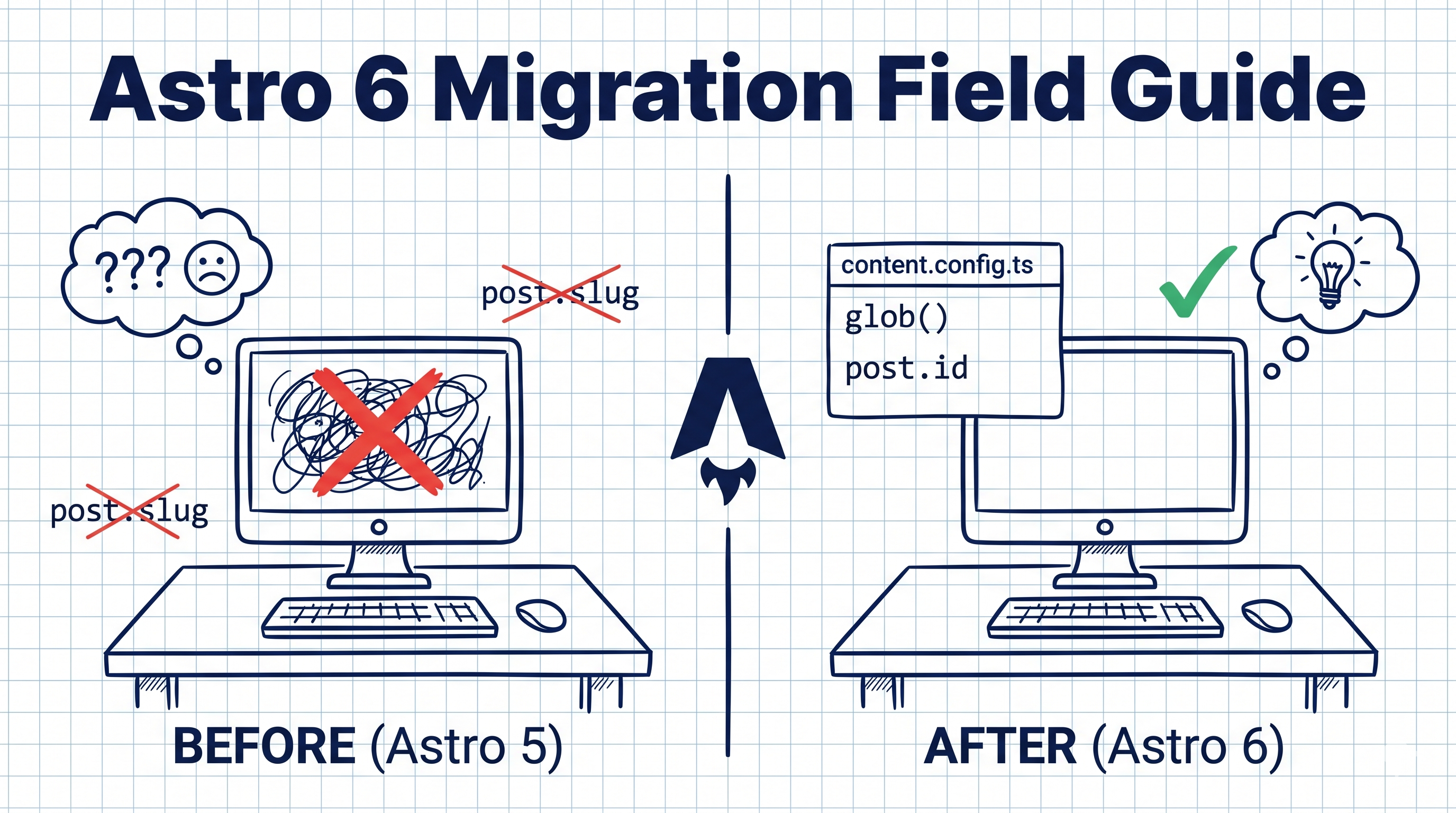
Astro 6 Migration Guide (2026): from Astro 5
Astro 6 in 2026: 100 Core Web Vitals, 90% Less JS