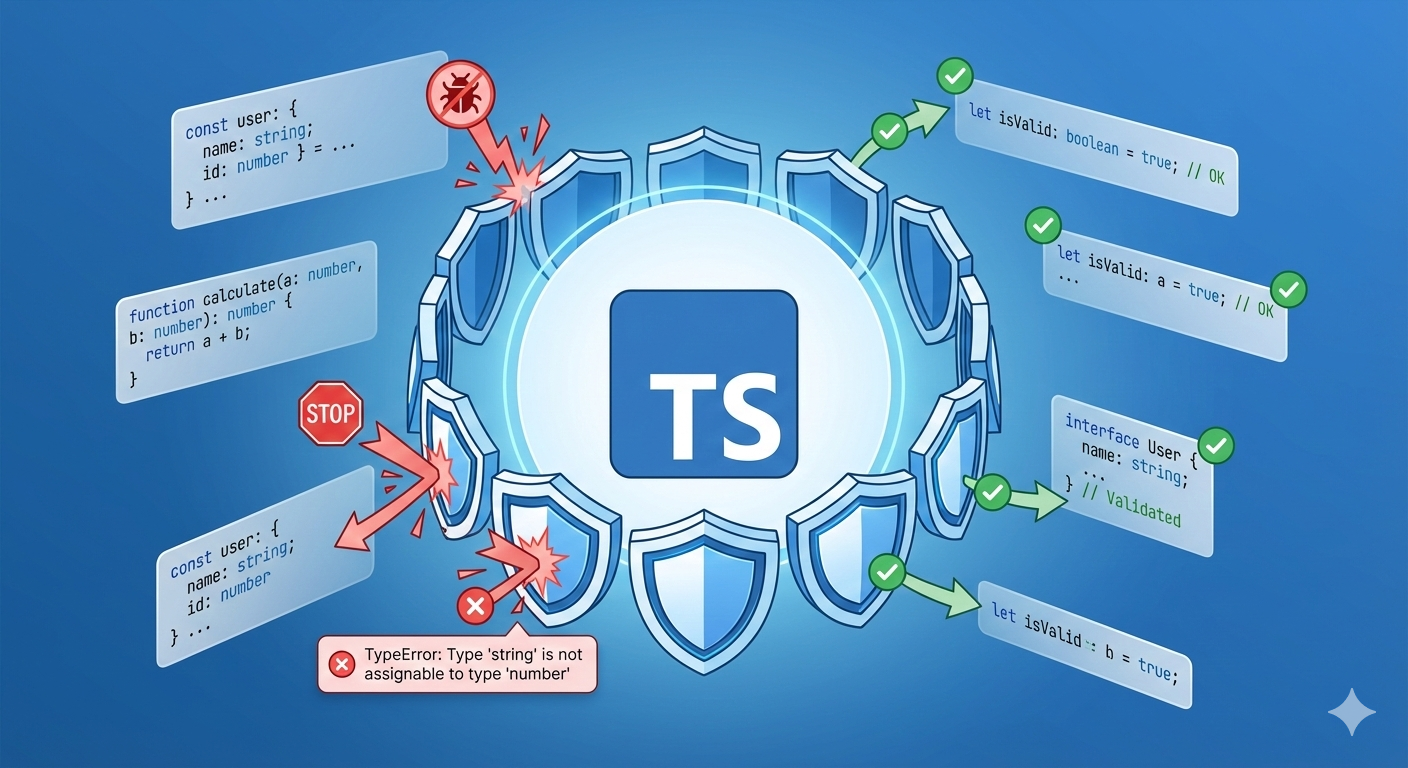
Astro 6 Migration Guide (2026): from Astro 5
I upgraded this site from Astro 5 to Astro 6. The breaking changes that bit me: content.config.ts, the slug to id trap, Zod 4 defaults, removed APIs. →

Óscar Gallego
Web Developer
On this page
I upgraded this very site from Astro 5 to Astro 6 last weekend. The plan was a quick pnpm up astro, a glance at the changelog, and a celebratory coffee.
I did not get the coffee.
I spent the first hour staring at a ContentSchemaContainsSlugError that read like a riddle, and another forty minutes untangling a Zod default that compiled fine in v5 and exploded in v6.
Here is the good news before the war story: v6 is mostly an evolution of v5, not a rewrite. Same Content Layer, same Server Islands. What changed is that the grace periods are over. The legacy escape hatches that let you limp along on v4-shaped code in v5 are gone. So if your v5 upgrade was half-finished, v6 is where the bill comes due.
This post is the upgrade path I actually walked, v5 to v6, with the breaking changes that bit me first. If you are coming straight from Astro 4, jump to the section at the bottom; the v5 foundations still apply and you will want them first.
What breaks going from 5 to 6 (the 60-second version)
Everything below is from the official upgrade to v6 guide, cross-checked against my own diff:
- Node
v22.12.0is the new minimum, and only even-numbered releases are supported. v23 will not run it. src/content.config.tsis mandatory if you use content collections. The oldsrc/content/config.tslocation is no longer read.- The
legacy.collectionsflag is gone. If you were leaning on it in v5, that crutch has been kicked away. - The identifier is
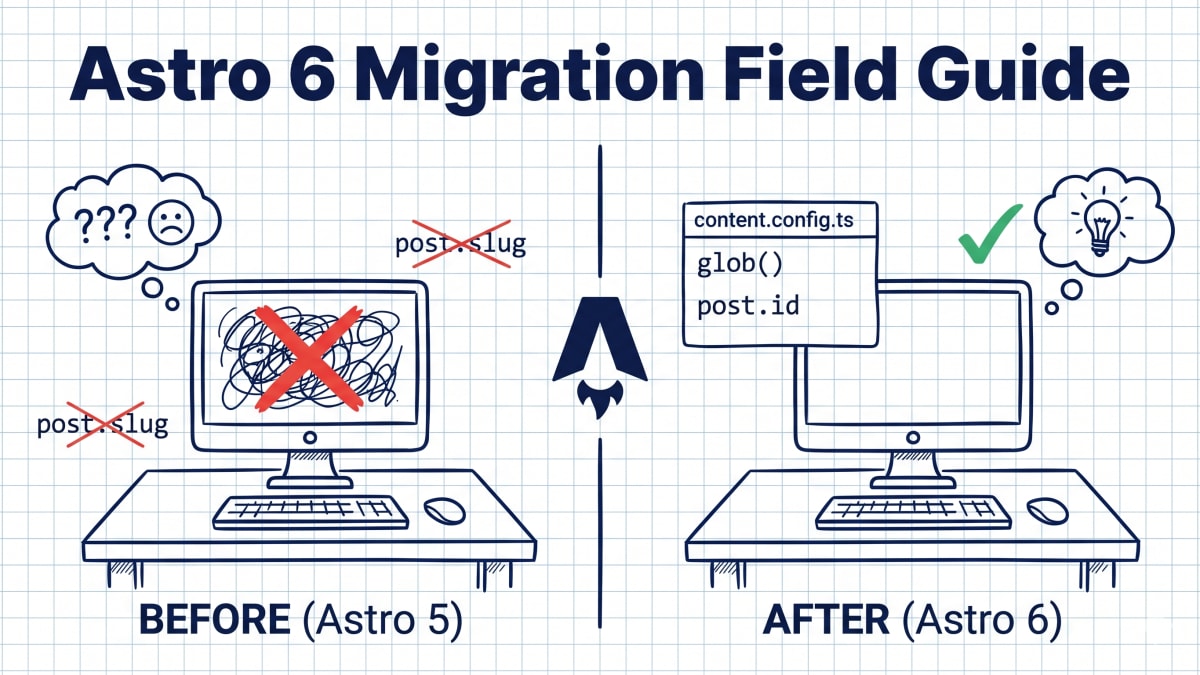
post.id, notpost.slug. The Content Layer madeidthe identifier back in v5; v6 just removes the legacy collections fallback, so there is noslugleft to lean on. Aslugfield in a schema throwsContentSchemaContainsSlugError. Astro.glob()is removed. Replace it withimport.meta.glob()(which no longer returns a Promise) orgetCollection().- Zod is on v4. Default values must match the output type after transforms, and
astro:schemaimports move toastro/zod. getEntryBySlug()andgetDataEntryById()are deprecated in favor of a singlegetEntry().
If you only read one line: the v5 to v6 jump is not about new toys. It is about finally deleting the compatibility shims you have been ignoring.
The slug to id trap (the one that cost me an hour)
This is where v6 hit me hardest, because the error message points at your schema, not at the real culprit.
In Astro 4, every content entry had a slug, and most of us wired it straight into getStaticPaths. Astro 5’s Content Layer already moved the identifier to id, but the legacy collections path kept slug limping along, so sloppy code survived. Astro 6 removes that legacy path. No more slug to fall back on.
Here is the diff that fixed my build:
---
// src/pages/blog/[...slug].astro
export async function getStaticPaths() {
  const posts = await getCollection('blog');
  return posts.map((post) => ({
    // Astro 5 leftover: post.slug is gone in v6
    // params: { slug: post.slug },
    params: { slug: post.id },
    props: post,
  }));
}
---
If your schema also declares a slug field, that is what trips ContentSchemaContainsSlugError. Remove it and let the glob loader derive the id from the filename. Do a global search for .slug before you upgrade. On a 50-file project it is the difference between a five-minute fix and an afternoon.
Zod 4: the default that lies to you
The second wall. In Zod 3 (Astro 5), a default value matched the input type. In Zod 4 (Astro 6), it has to match the output type, the one you get after transforms run.
So this, which I had copied from my own homepage view counter, broke:
// Astro 5, Zod 3: default is the pre-transform string
views: z.string().transform(Number).default("0"),

// Astro 6, Zod 4: default must match the post-transform number
views: z.string().transform(Number).default(0),
While you are in there, fix the imports too. astro:schema is deprecated in v6:
// Before
import { z } from "astro:schema";
// After
import { z } from "astro/zod";
You do not strictly need the astro/zod path. zod is a direct dependency in Astro 6, so plain import { z } from "zod" works too, and it is what I run in production. astro/zod just re-exports the exact Zod version Astro validates your schemas against, so you cannot drift onto a mismatched copy.
.nonempty() on strings is also gone in Zod 4. Swap it for .min(1).
The removed APIs, and what to use instead
Astro.glob() was deprecated back in v5 and is now fully removed. The replacement depends on what you were globbing:
// Querying content collections? Use the Content Layer.
const posts = await getCollection('blog');

// Globbing arbitrary source files? import.meta.glob, and note:
// it no longer returns a Promise, so drop the await.
const modules = import.meta.glob('./data/*.json', { eager: true });
For collection lookups, getEntryBySlug() and getDataEntryById() both collapse into one function:
// Before
const post = await getEntryBySlug('blog', 'my-post');
// After
const post = await getEntry('blog', 'my-post');
And the cleanup that took ten seconds but felt the best: deleting the legacy block from astro.config.mjs.
import { defineConfig } from 'astro/config';

export default defineConfig({
  // Delete this whole block. It does nothing in v6 except remind
  // you that you put off the real migration.
  legacy: {
    collections: true,
  },
});
content.config.ts: the glob() loader and defineCollection
None of the above is the reason to upgrade. The reason is the thing v5 introduced and v6 makes the only way: the Content Layer is a real data pipeline, not just a Markdown reader. It all lives in content.config.ts, where every collection is a defineCollection paired with a loader. For local Markdown that loader is glob() (shown in the v4 section below); the power is that you can swap it for one you write yourself.
The glob loader you wire up in content.config.ts is just a function that returns an array of objects. Which means you can write your own. Here is the loader I use to pull GitHub stars into my projects section, with no top-level fetch() rotting inside a component:
// src/content.config.ts
import { defineCollection } from 'astro:content';
import { z } from 'astro/zod';

const githubLoader = {
  name: 'github-repos',
  load: async ({ store, logger }) => {
    logger.info('Fetching repos from GitHub...');
    const response = await fetch('https://api.github.com/users/garbarok/repos');
    const repos = await response.json();
    for (const repo of repos) {
      store.set({
        id: repo.name,
        data: {
          description: repo.description,
          stars: repo.stargazers_count,
          url: repo.html_url,
        },
      });
    }
  },
};

const projects = defineCollection({
  loader: githubLoader,
  schema: z.object({
    stars: z.coerce.number(),
    url: z.string().url(),
  }),
});

export const collections = { projects };
In my components I just call getCollection('projects'). The frontend has no idea the data came from an API, and Astro caches it at build time. That separation is what the migration buys you.
Server Islands (server:defer) are the other v5 idea that carries straight into v6 unchanged. A static shell on the CDN with a dynamic hole that gets filled by a tiny per-island fetch. No hydration, no client React. If you skipped it in v5, v6 is a fine excuse to finally use it.
The honest part: where v6 is annoying
I promised a war story, not a brochure.
The ContentSchemaContainsSlugError message is genuinely bad. It blames your schema when the real problem is usually a params: { slug: post.slug } three files away. I lost time chasing the wrong line.
The Zod 4 default change is the kind of break that compiles, passes a quick smoke test, and then serves wrong data in production because "0" and 0 both look fine until something downstream does math. Test your defaults, not just your types.
And the import.meta.glob() “no longer returns a Promise” change is easy to miss because removing an await from working code feels wrong. It will not error loudly. It will just hand you a Promise where you expected data.
None of these are dealbreakers. But anyone selling v6 as a frictionless bump has not migrated a real project.
The questions you were going to ask anyway
Do I have to go through v5 to get to v6? Yes, in practice. The upgrade guides are sequential, and v6 assumes your collections already use the Content Layer. If you are on v4, do the v5 work first (below), confirm a green build, then take the v6 step.
Can I keep the legacy collections flag a little longer?
No. It is removed, not deprecated. v6 will not read src/content/config.ts and will not honor legacy.collections. Plan the migration before you bump the version, not after.
Can I use Server Islands on Vercel or Netlify? Yes, with the matching adapter installed. The island is a serverless function that returns HTML, so you need a host that runs functions. Nothing about that changed in v6.
Still on Astro 4? The v4 to v5 story
Everything above assumes you already made the v4 to v5 jump. If you did not, this is the part that still matters, because the Content Layer was born here.
In Astro 4, you defined collections with a magic string:
// Astro 4, the old way
import { defineCollection, z } from 'astro:content';

const blog = defineCollection({
  type: 'content', // "look for files, somehow"
  schema: z.object({ /* ... */ }),
});
Astro 5 stopped believing in magic and asked for explicit loaders:
// Astro 5+, the new way
import { defineCollection, z } from 'astro:content';
import { glob } from 'astro/loaders';

const blog = defineCollection({
  loader: glob({ pattern: '**/*.md', base: './src/content/blog' }),
  schema: z.object({
    title: z.string(),
    pubDate: z.date(),
  }),
});
Two more v4-era traps that v6 simply assumes you have already fixed:
The output: 'hybrid' mode is gone. Astro is now static by default with opt-in SSR, or server by default with opt-in static. Delete hybrid from your config.
And post.render() no longer exists. Content entries are plain objects now, so you import the renderer:
import { render } from 'astro:content';
const { Content } = await render(post);
Do that work, get a green v5 build, and the v6 step at the top of this post becomes a quiet afternoon instead of a bad one.
Related reading: the nastiest trap in this whole saga earned its own post. How a misplaced content.config.ts silently ate my schema fields, and the five-minute fix. If you are pairing with an AI assistant for this kind of multi-file refactor, my Google Antigravity review covers the agent-first IDEs I tried while doing this upgrade.
Sources
P.S. Have you taken the v6 step yet? Did the slug to id change break your heart twice, once in v5 and once in v6? Tell me on Twitter/X.
Last updated:
Related Posts

Astro Debugging: Fixed "Missing Schema Fields" in 5 Min

Astro 6 in 2026: 100 Core Web Vitals, 90% Less JS